
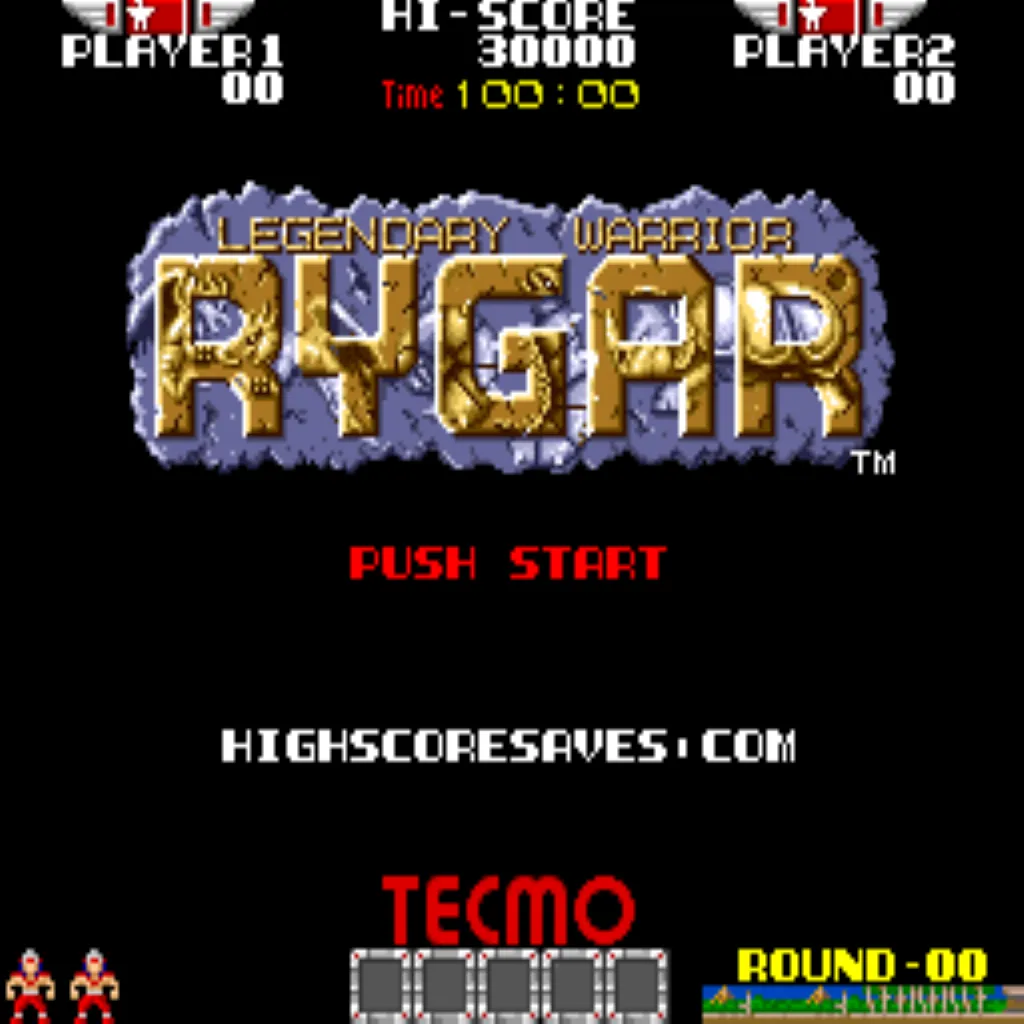
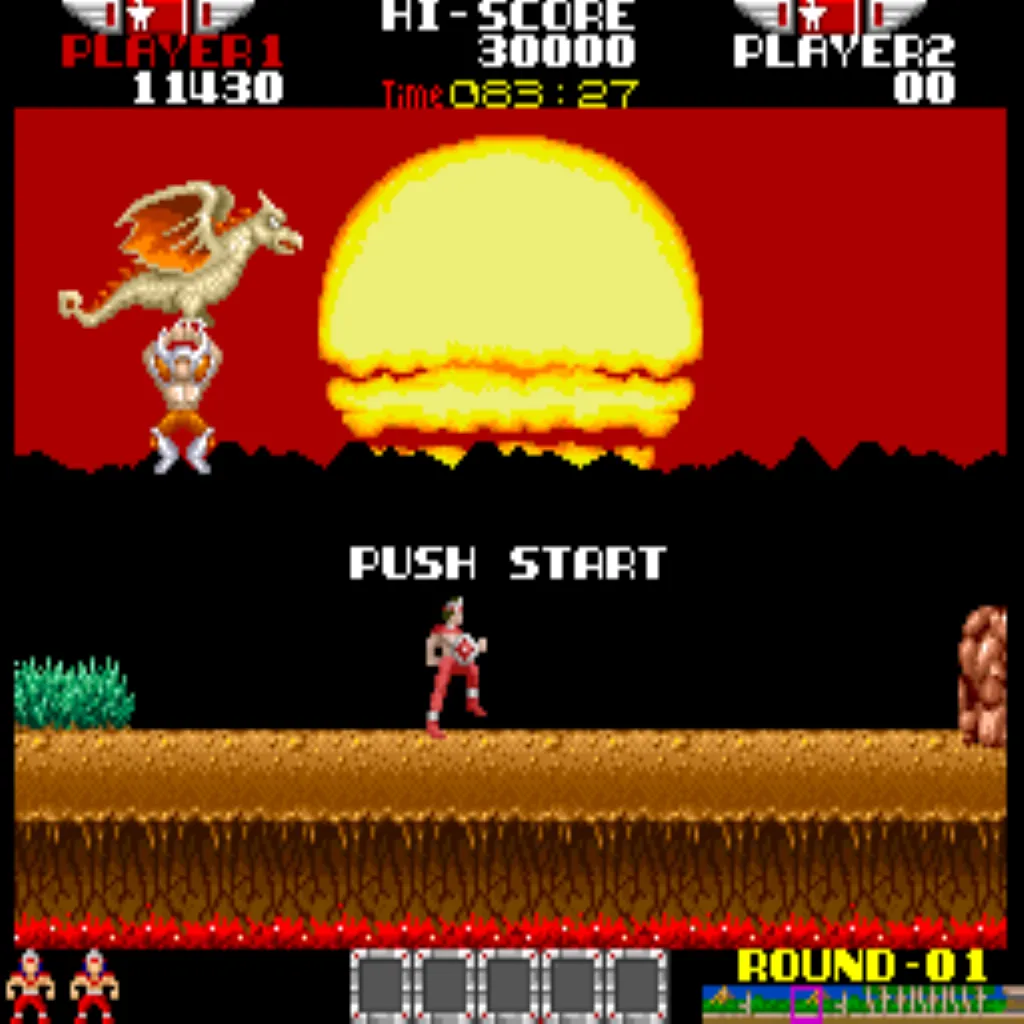
Rygar Free Play and High Score Save Kit



$102.50
Available, delivery time: 2-5 days
Product information "Rygar Free Play and High Score Save Kit"
Customize Your Rygar Free Play and High Score Save Kit
Build your kit exactly how you want it. Choose a Wi-Fi Enabled Kit or a Standard Save Kit. You can also add a processor and/or a 40-pin socket—optional but recommended for easy installation.
Learn More About This Kit
Click a button to view details, tips, or the installation guide.
Main Features
- Easy install: No soldering, board modifications, or special wiring—plug in and go.
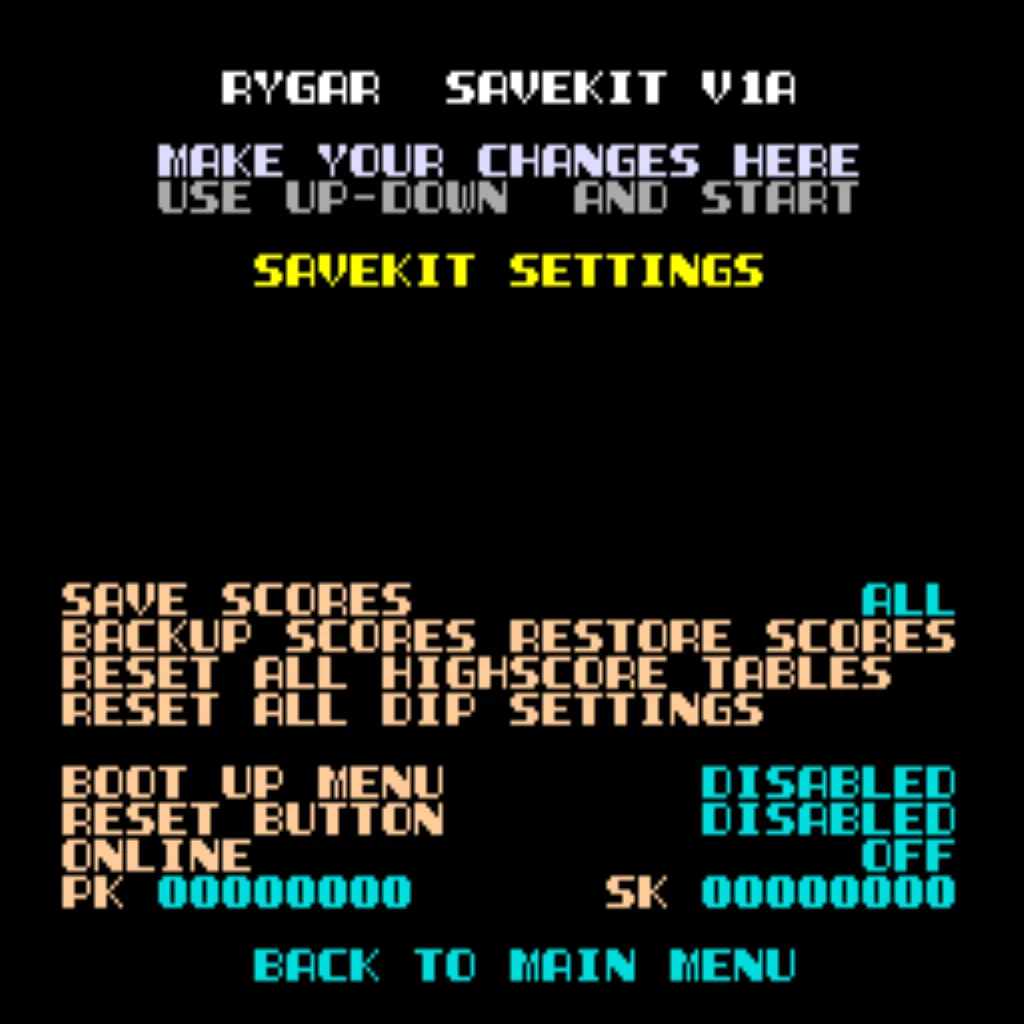
- Permanent score saving: Uses a serial EEPROM (not failure-prone NVRAM or batteries).
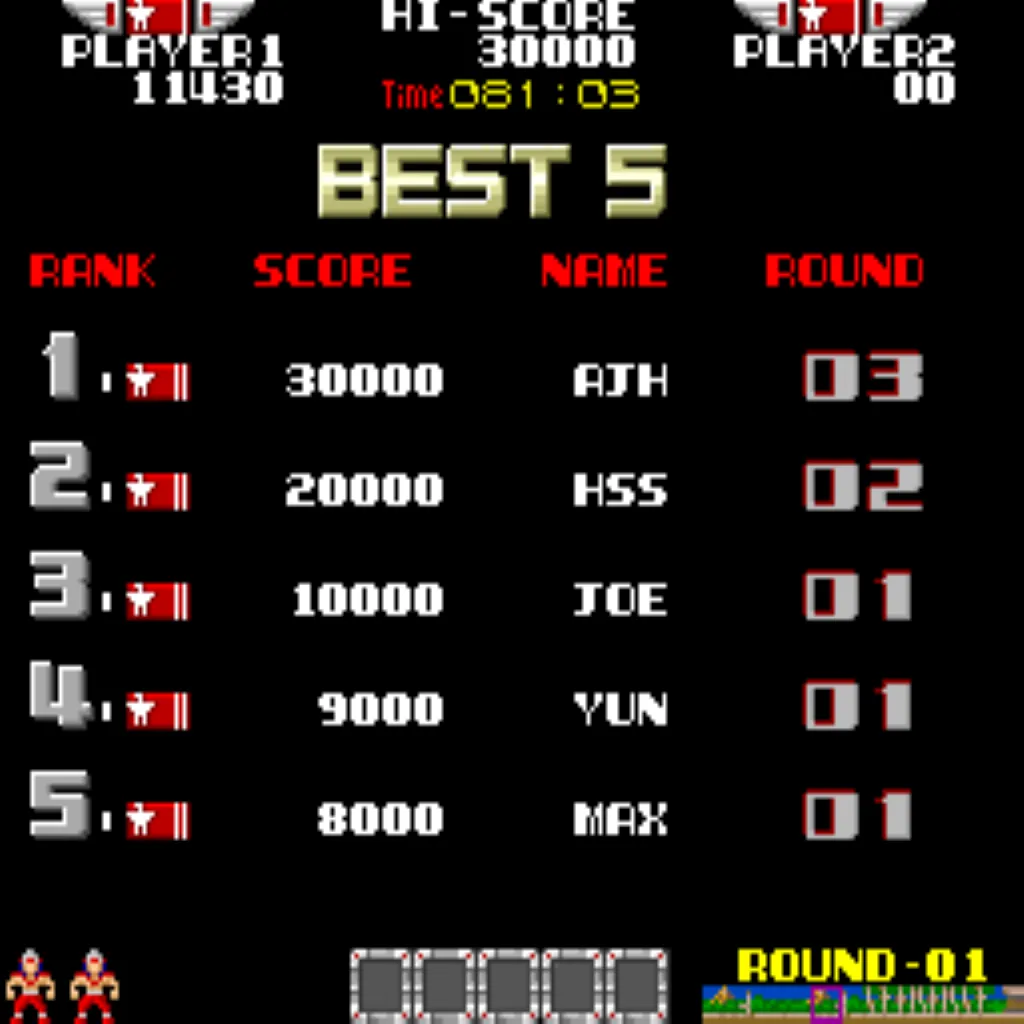
- High Score Save: Stores the Top 10 scores with initials.
- Copyright: Switch between original manufacturer and HighScoreSaves branding.
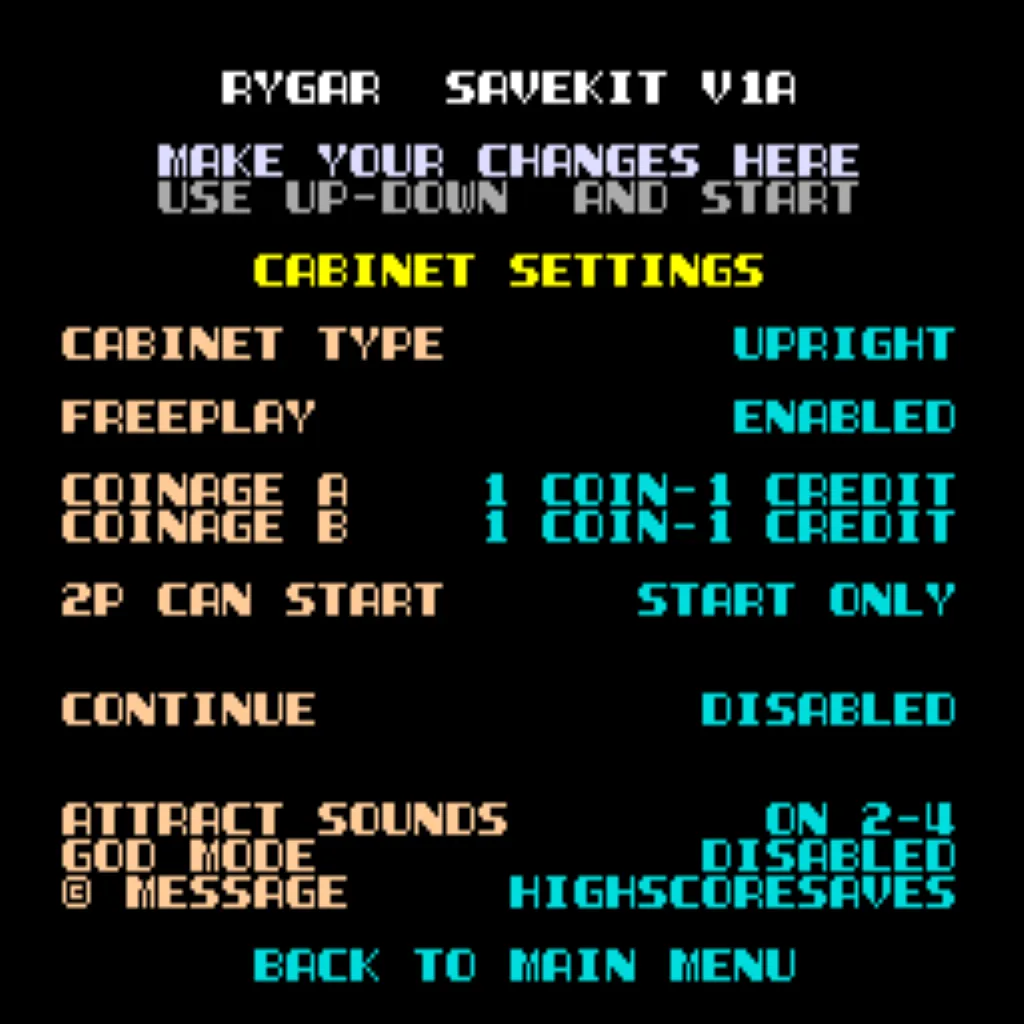
- Freeplay: Start games without coins or opening the coin door.
- Coin Up: Coins/tokens still supported if desired.
- Attract sounds: Set to 25%, 50%, or 100% of attract-mode rotations.
- Attract mode: Minimizes static screens to prevent burn-in.
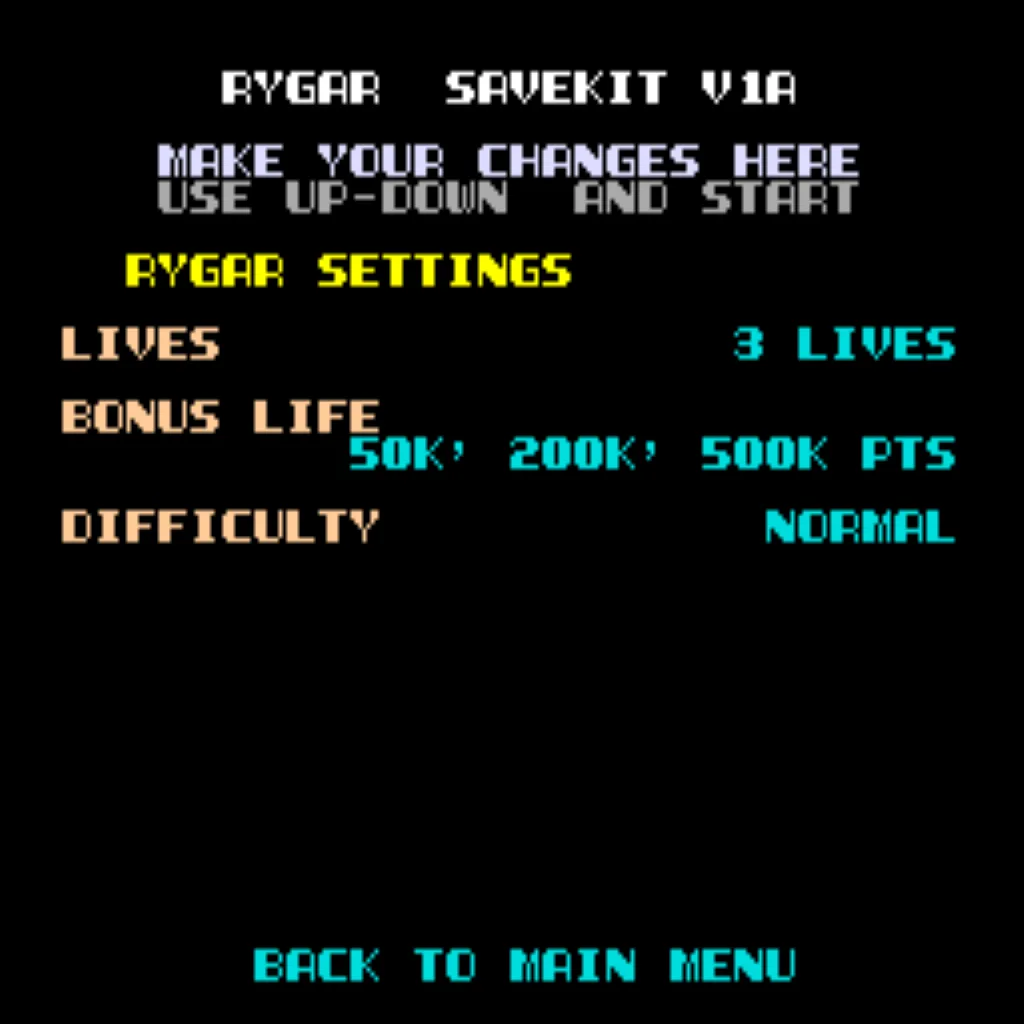
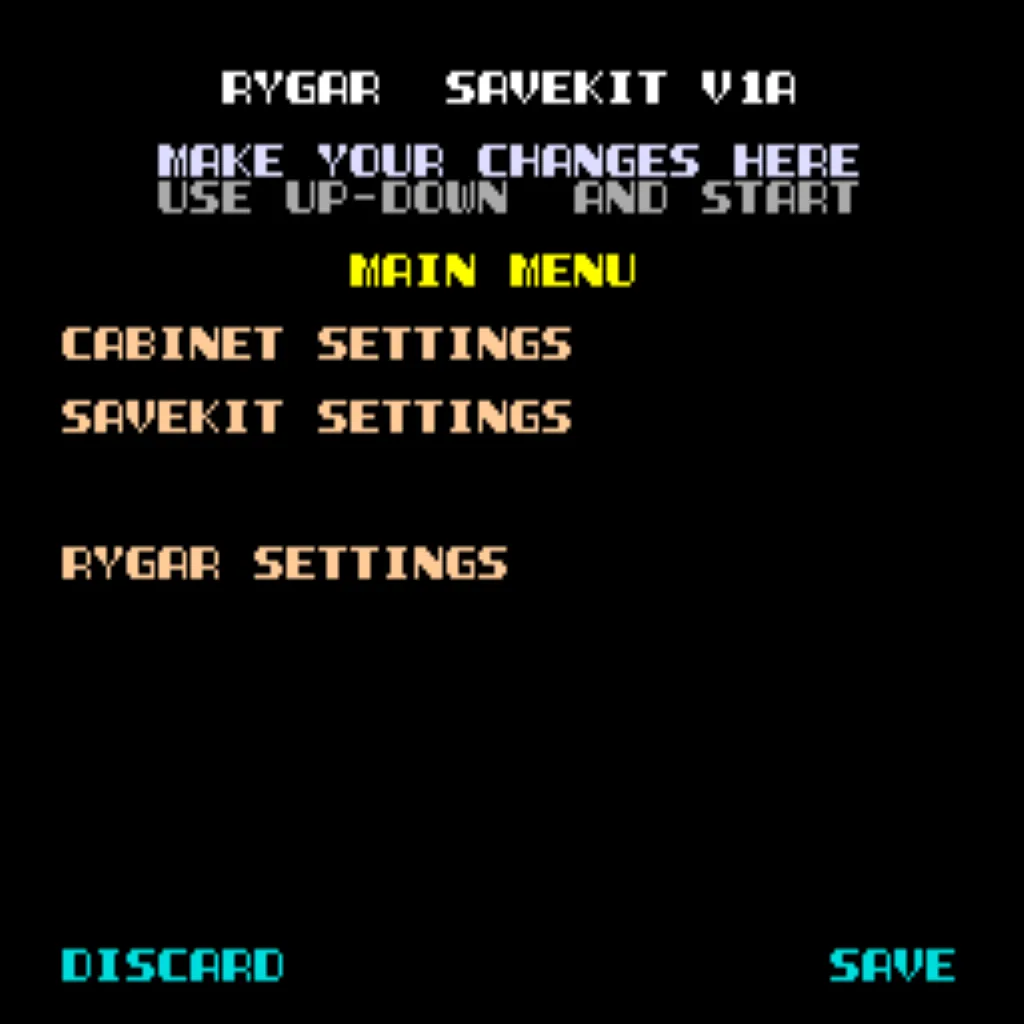
- On-screen DIP settings: Menu-driven—no pulling out the cabinet.
- ROM Saver: Remove original program ROMs if desired; code runs from the save kit.
- Cabinet support: Works in Upright and Cocktail cabinets.
Additional Features
- Backup & Restore: Back up high scores and restore later—perfect for parties.
- Separate score tables: Different high-score tables based on selected lives (2–4).
- God Mode: Unlimited lives (scores not saved in this mode).
- Stealth Mode: Hold Player 1 on power-up to enter menu.
Important Installation Notes
- Socketed Z80 required: If your Z80 isn’t socketed, install a 40-pin socket.
- Read the Rygar Installation Guide (PDF) before installation.
FAQ
Does this kit require soldering?
No—this kit is plug-and-play. No soldering or board modifications required.
How many high scores are saved?
The kit saves the Top 10 scores with initials.
Can Freeplay and Coin Up both be used?
Yes—Freeplay is supported and Coin Up still works.
Does this kit support 2-player mode?
Yes. Note: in Freeplay, both players must start together.
What is God Mode?
Unlimited lives for practice. Scores are not saved in this mode.
Where do I download the installation guide?


Login
Level up with these!
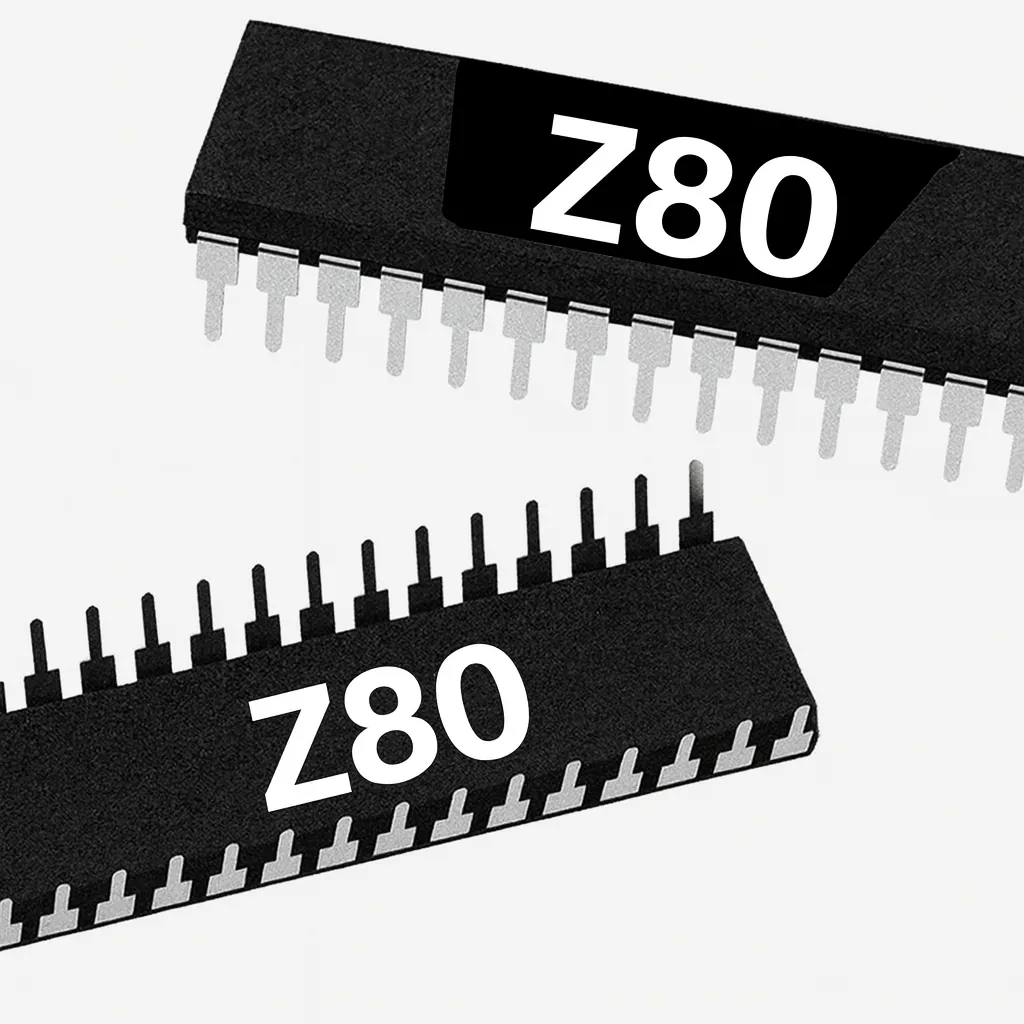
Z80 8-Bit Microprocessor (40-Pin CPU) The Z80 is an 8-bit microprocessor widely used in classic arcade PCBs. This 40-pin CPU handles core game logic and timing and is essential to reliable board operation. Used In Arcade Games Such As Donkey Kong Galaga Donkey Kong Jr. Frogger Galaxian Dig Dug Xevious …and more! *Brands may vary.
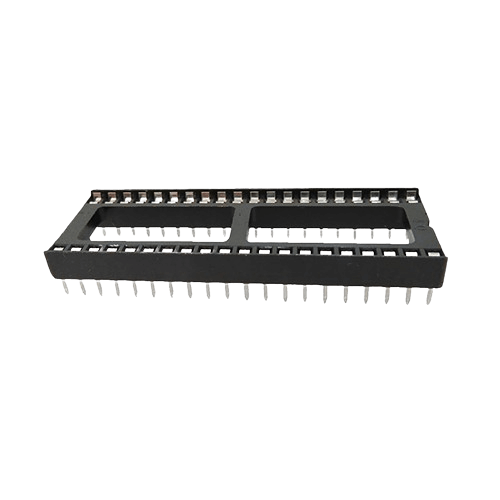
40 pin Socket Specifications Pitch: 2.54 mm (0.100″) Pins: 40 (2×20) Mounting: Through-hole (THT)
Spark your interest -

Customize Your Silk Worm Free Play and High Score Save Kit Build your kit exactly how you want it. Choose a Wi-Fi Enabled Kit or a Standard Save Kit. You can also add a processor and/or a 40-pin socket—optional but recommended for easy installation. Learn More About This Kit Click a button to view details, tips, or the installation guide: Features Easy install – No soldering, board modifications, or special wiring. Plug in and go! Save your scores forever – Uses reliable serial EEPROM (not failure-prone NVRAM or batteries). High Score Save – Saves the Top 10 scores and initials. Copyright – Switch the attract-screen logo between the original manufacturer and Highscoresaves. Freeplay – No more coins or opening the coin door. Coin Up – Still supports coins if desired. Attract Sounds – Set to 25%, 50%, or 100% of the attract rotation. Attract Mode – Minimizes screen burn by avoiding static screens. On-screen DIP settings – Menu-driven; no cabinet pulling to flip DIP switches. ROM Saver – Remove original program ROMs if desired; program runs on the save kit. Cabinet support – Works in Upright and Cocktail cabinets. Additional Features Backup and Restore – Back up high scores and restore later (perfect before/after game-room parties!). Separate score tables – Different high-score tables per life setting (2–4 lives). God Mode – Unlimited lives for practice (scores will not save). Flip Screen – Rotate the display 180°. Stealth Mode – Access the menu by holding Player 1 while powering on. Important Ensure your Z80 is socketed. If not, install a 40-pin socket for the kit to work. Read the Rush’n Attack | Green Beret Installation Guide (PDF) before you begin the install. FAQ Does this kit require soldering? No, this kit is completely plug-and-play. No soldering or board modifications required. How many high scores does it save? The kit saves the Top 10 scores with initials permanently. Can I still use coins if Freeplay is enabled? Yes — Freeplay mode is supported, but Coin Up can still be used. Does this kit support 2 player mode? Yes, but only on coin play — not free play. What is “God Mode”? God Mode gives unlimited lives for fun or practice. Scores do not save in this mode. Where can I download the installation guide? You can download it here: Rush’n Attack | Green Beret Installation Guide (PDF) . Resources Silk Worm Free Play and High Score Save Kit — Installation Guide (PDF) HighScoreSaves YouTube Channel — Installation Tips HighScoreSaves Facebook Page HighScoreSaves eBay Store

Customize Your Moon Patrol Free Play and High Score Save Kit Build your kit exactly how you want it. Choose a Wi-Fi Enabled Kit or a Standard Save Kit. You can also add a processor and/or a 40-pin socket—optional but recommended for easy installation. Learn More About This Kit Click a button to view details, tips, or the installation guide. Features Easy install: No soldering, board modifications, or special wiring—plug in and go. Save your scores forever: Uses a serial EEPROM, not failure-prone NVRAM or batteries. High Score Save: Stores the Top 5 scores. Attract sounds: Enable sound during attract mode at 25%, 50%, or 100% of rotations. Free Play: No more coins or opening the coin door. Coin Up: Still supports coins if desired. Attract Mode: Reduce screen burn—no more static screens. Change DIP settings: Menu-driven—no need to pull out the game to flip switches. ROM Saver: Optionally remove original program ROMs to save power. Cabinet support: Works in upright or cocktail cabinets. Additional Features Backup & restore: Back up high scores and restore later—perfect before/after parties. Separate score tables: Different high score saves for 2, 3, or 4 lives. Reset button: Restart a game without powering off (enable in menu). Practice Mode: Start at any available start point. Game Menu: Quickly select lives or practice levels. Flip screen: Supported. RAM/ROM tests: Built-in checks to verify hardware health. Free Play behavior: Continue mode is disabled when Free Play is on. Important Ensure your Z80 is socketed. If not, install a 40-pin socket for the kit to work. Read the installation guide before installing — Download Moon Patrol Installation Guide (PDF) . FAQ Which CPU/socket do I need? A socketed Z80 CPU is required. If your CPU isn’t socketed, install a 40-pin socket. How many scores does the kit save? Moon Patrol saves the Top 5 scores with this kit. Does it support Free Play and coin operation? Yes. You can enable Free Play or continue using Coin Up. Note: continue mode is disabled when Free Play is on. Can I change DIP options without opening the cabinet? Yes—the kit provides a menu-driven DIP settings interface directly on screen. Is there a Practice Mode? Yes. Use Practice Mode to start at any available start point and refine specific sections. What is “ROM Saver” on this kit? ROM Saver lets you remove original program ROMs; the program runs from the kit to reduce power and improve reliability. Will it work in cocktail cabinets and can I flip the screen? Yes. It supports upright and cocktail cabinets, and includes a flip screen option. How do I reset without power-cycling the cabinet? Enable the Reset Button in the menu to restart the game instantly. Where do I download the Moon Patrol installation guide? Right here: Moon Patrol Installation Guide (PDF) . Resources Moon Patrol Free Play and High Score Save Kit — Installation Guide (PDF) HighScoreSaves YouTube Channel — Installation Tips HighScoreSaves Facebook Page HighScoreSaves eBay Store

Customize Your Moon Cresta Free Play and High Score Save Kit Build your kit exactly how you want it. Choose a Wi-Fi Enabled Kit or a Standard Save Kit. You can also add a processor and/or a 40-pin socket — optional but recommended for easy installation. Learn More About This Kit Click a button to view details, tips, or the installation guide. Main Features Easy install: No soldering, board modifications, or special wiring. Plug in and go. Save your scores forever: Uses reliable serial EEPROM (not failure-prone NVRAM or batteries). High Score Save: Saves the Top 5 scores. Attract Sounds: Set to 25%, 50%, or 100% of attract cycles. Attract Mode: Minimizes burn-in; no static screens. Freeplay: No more coins needed. Coin Up: Still supports coins. Menu-driven settings: Change DIP options on-screen. ROM Saver: Remove original program ROMs to reduce power. Cabinet support: Works in Upright or Cocktail cabinets. Additional Features Backup & Restore: Back up scores and restore later. Separate score tables: Supports 2, 3, 4, and 5 lives. Important Installation Notes Z80 must be socketed: Install a 40-pin socket if needed. Read the Moon Cresta Free Play and High Score Save Kit Installation Guide (PDF) before installing. Hardware Note: Works only on Moon Cresta / EAGLE-class hardware. FAQ Which PCB/hardware is supported?Works on Moon Cresta/EAGLE-class hardware only. Do I need a socketed CPU?Yes, a socketed Z80 is required. How many scores are saved?Saves the Top 5 high scores. Freeplay & Coin Up?Supports both Freeplay and coin-up. Change DIP/settings?Uses an on-screen menu—no cabinet opening required. Backup & Restore?Yes, save/restore high scores anytime. Cocktail compatibility?Yes, works in Upright and Cocktail cabinets. Where is the install guide? Download Moon Cresta Installation Guide (PDF) Resources Moon Cresta Free Play and High Score Save Kit — Installation Guide (PDF) HighScoreSaves YouTube Channel — Installation Tips HighScoreSaves Facebook Page HighScoreSaves eBay Store
Braze Space Invaders 8-in-1 Multigame High Score Save Kit — Features & Install 📄 Installation Guide (PDF) Overview Easy-to-install kit that expands your Space Invaders boardset to play 8 games. No external wiring or switches required. Press Player 1 + Player 2 Start simultaneously to open the on-screen game menu. Includes full on-screen configuration and high score save for all titles. Note: You may need to install a socket for your 8080 CPU. Please check your PCB. Installation Summary Power down the cabinet and access the SI/SID two-board L-shaped PCB set. Inspect the 8080 CPU. If it is not socketed, install a suitable socket. Carefully remove the 8080 CPU from the board. Insert the 8080 into the included daughter card. Plug the daughter card into the vacated 8080 CPU socket. Power on, verify operation, then press P1+P2 Start to select a game. Key Features Installs in minutes: no soldering, special wiring, or external switches. Free Play: built-in option (see Galaxy Wars note below). High Score Save: preserves scores for all games. Power-on diagnostics: automatic checks at each boot. On-screen settings: configure directly from the cabinet. Interactive test mode: additional board and I/O tests. Game List Space Invaders Space Invaders Deluxe Jatre Specter Lunar Rescue Space Laser Balloon Bomber Galaxy Wars (Free Play not supported) Super Earth Invasion FAQ Where can I download the install guide? Space Invaders Install Guide (PDF) What board types are supported? Supports the Midway black-and-white style SI/SID boardset (two-board L-shaped configuration). Not compatible with the Taito color variant. Will it work in a cocktail cabinet? Yes, if it is a Midway black-and-white cocktail unit. Cabinet behavior (upright/cocktail) depends on strapping options, and screen flip is handled by monitor relays swapping the yoke wires. How do I switch between games? Press P1 Start + P2 Start together to open the game selection menu. Are there differences vs. the originals? Besides added features (Free Play, diagnostics, high score save), sounds are mapped to the eight available sound lines on the SI/SID boardset. Additional configuration options include laser base count, bonus levels, and extended scoring on some titles. Does Free Play work on every game? No. Galaxy Wars does not support Free Play; all others do. Do I need to solder anything? Typically no — unless your 8080 CPU is soldered to the PCB. If so, a socket must be installed first.

Customize Your Space Duel Free Play and High Score Save Kit Build your kit exactly how you want it. Choose a Wi-Fi Enabled Kit or a Standard Save Kit. You can also add a processor and/or a 40-pin socket—optional but recommended for easy installation. Learn More About This Kit Click a button to view details, tips, or the installation guide. Features Easy install – No soldering, board modifications, or special wiring. Plug in and go! Save your scores forever – Uses a serial EEPROM (no failure-prone NVRAM or batteries). High Score Save – Saves the Top 10 scores. Attract Sounds – Set to 25%, 50%, or 100% of the attract rotation. Freeplay – No more coins or opening the coin door. Coin Up – Still supports quarters or tokens if desired. Attract Mode – Minimizes screen burn by disabling static screens. Copyright Message – Choose original manufacturer or Highscoresaves branding. On-screen DIP settings – Menu-driven; no opening the cabinet. ROM Saver – Remove original program ROMs to save power; program runs on the kit. Cabinet support – Works in Upright or Cocktail cabinets. Additional Features Backup and Restore – Save your scores and restore them later (great before/after parties). Reset Button – Reset the game without powering off (enable in menu). Separate score tables – High-score tables for 2, 3, 4, and 5 life settings. Fast Boot – Skip long initialization. Stealth Mode – Boots directly into game. Important This kit requires a socketed 6502 processor. Install a 40-pin socket if needed. Review the Space Duel Installation Guide (PDF) before installing. FAQ Do I need to solder anything? No, this kit is plug-and-play. No soldering or board modifications are required. Does it save high scores permanently? Yes, scores are saved in EEPROM and remain stored even when powered off. How many high scores are saved? The Top 10 scores with initials are saved. Does it support attract sounds? Yes — enable attract sounds at 25%, 50%, or 100% rotations. Can I use Freeplay? Yes, Freeplay mode lets you start games without coins. Does Coin Up still work? Yes, Coin Up still functions if you want to accept coins or tokens. Does it support Upright and Cocktail cabinets? Yes — the kit works for both cabinet styles. What is Stealth Mode? Stealth Mode boots straight into gameplay, skipping menus. What CPU is required? A socketed 6502 processor is required. Where can I download the installation guide? You can download it here: Space Duel Installation Guide (PDF) Resources Space Duel Free Play and High Score Save Kit — Installation Guide (PDF) HighScoreSaves YouTube Channel — Installation Tips HighScoreSaves Facebook Page HighScoreSaves eBay Store