
Arcade Parts, Replacement CPUs and PCB Components
Repair, restore, and maintain original classic arcade cabinets with replacement arcade parts selected for vintage PCB, control, monitor, wiring, and cabinet applications.
Shop arcade CPUs, integrated circuits, sockets, wiring harnesses, coin-door components, PCB mounting hardware, vector monitor upgrades, control hardware, reproduction cabinet parts, and other components for compatible raster and vector arcade systems. Always confirm the exact game, PCB revision, connector type, pin count, and installation requirements before ordering.



Arcade Parts and Replacement Component Details
Classic arcade machines use many specialized electronic and mechanical components that can become worn, damaged, unreliable, or difficult to locate. This category includes parts for repairing original arcade PCBs, restoring cabinet hardware, replacing controls and wiring, and supporting compatible upgrade installations.
Replacement Arcade CPUs and Integrated Circuits
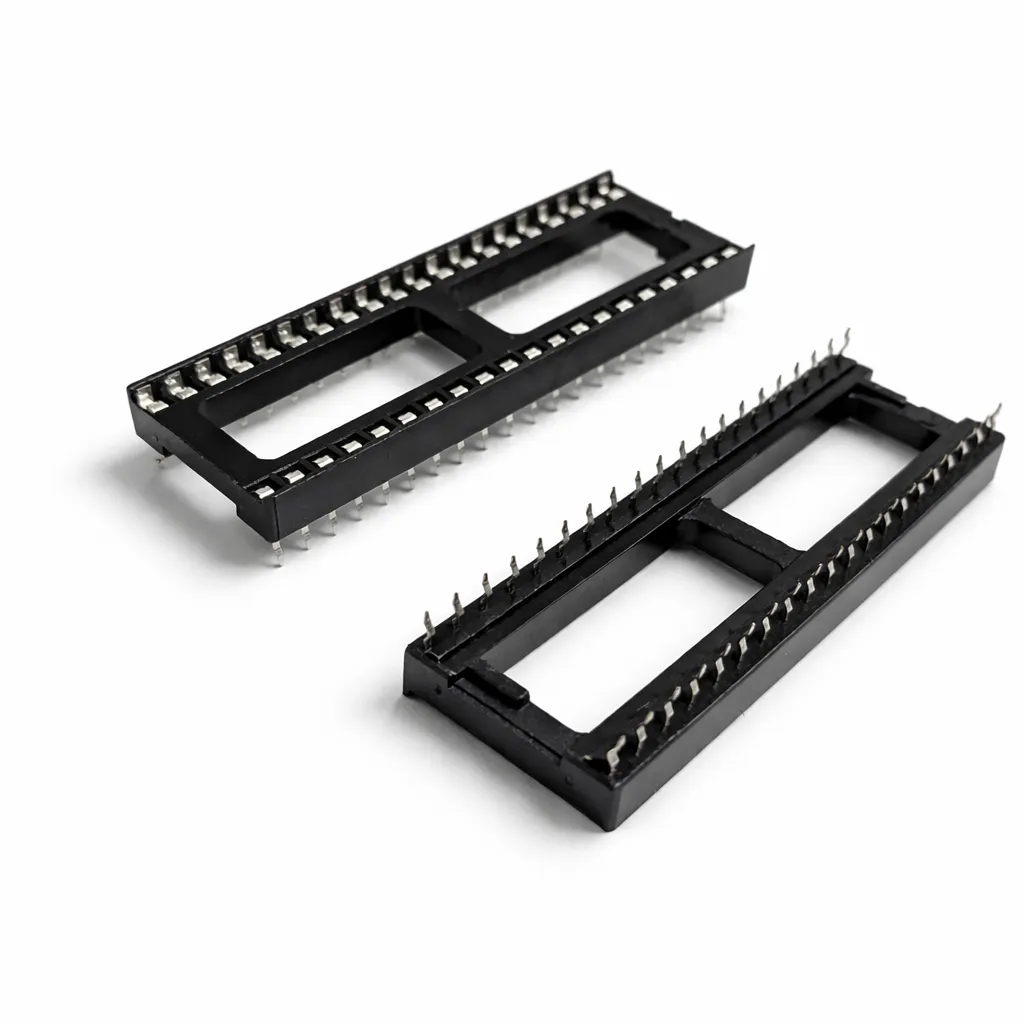
Available electronic components include commonly used arcade processors, sound CPUs, custom-chip replacements, memory upgrades, data-shifter replacements, dual-wipe sockets, and header pins. Examples include 6502, 6809E, 8035, 8080, and Z80A processors used across many classic arcade platforms.
Match the complete part number, package type, pin count, clock requirement, and board location before installing any replacement component. Manufacturer markings or compatible brands may vary when noted on the individual product page.
PCB Repair and Upgrade Components
PCB-related parts include sockets, headers, memory replacements, custom logic replacements, board adapters, mounting feet, standoffs, and interface hardware. Some products are direct replacements, while others are specialized upgrades designed for a particular arcade PCB or multigame system.
Wiring, Harnesses and Coin Hardware
Wiring and control-related products include game-specific kick harnesses, Nintendo power cables, card-edge adapters, coin mechanisms, coin-up switches, and related installation hardware. Connector style, wire position, cabinet configuration, and game compatibility must be verified before installation.
Monitor and Cabinet Restoration Parts
Restoration components include vector monitor regulator upgrades, Amplifone mounting brackets, Atari cabaret retainers, reproduction control and artwork pieces, and specialized Lunar Lander control parts. Review the product photographs and description to confirm dimensions, mounting points, finish, and included hardware.
What to Check Before Ordering
- Confirm the exact arcade game, cabinet type, and PCB revision.
- Match the complete IC or CPU part number and pin count.
- Verify connector type, wiring position, and edge-connector orientation.
- Check whether soldering, desoldering, socket installation, or calibration is required.
- Compare mounting holes, dimensions, and cabinet configuration.
- Read the complete product description and review all gallery images before ordering.
Arcade Parts FAQs
Will a replacement CPU work in every arcade PCB?
No. Arcade PCBs use different processor families, clock requirements, package types, and pin configurations. Match the replacement processor to the original component and the requirements of the specific board.
Do arcade replacement parts require soldering?
It depends on the part and the condition of the original hardware. A socketed CPU or IC may be removable without soldering, while sockets, headers, monitor upgrades, wiring, and board-level components may require soldering or desoldering.
How do I identify the correct replacement component?
Record the complete markings from the original component, confirm the pin count and orientation, and compare the board location with the product description. Photos of the PCB and original component are helpful when requesting compatibility assistance.
Are all arcade parts direct replacements?
No. Some products are direct replacements, while others are upgrades, reproduction parts, interface boards, or adapters intended for a specific installation. The individual product page explains the intended use and installation requirements.
Should I work on an arcade monitor myself?
Arcade monitors can retain dangerous electrical voltages even after the cabinet is unplugged. Monitor repairs and internal electrical work should be performed only by someone familiar with the required safety and discharge procedures.
Helpful Arcade PCB Resources
Before performing PCB work, review How to Identify Your Original Arcade PCB , How to Identify Pin 1 , and How to Remove and Reinstall a Socketed Arcade CPU .